Guests Scan & Start a Tab
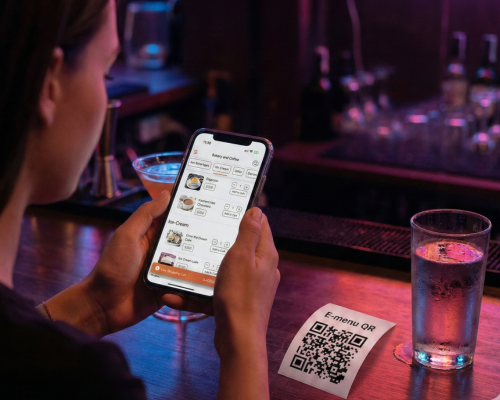
Guests grab a table and scan the Qikbite QR code. They browse your full drink and food menu, place their first order, and can keep a running tab, all from their phone.
Instant Order Sync
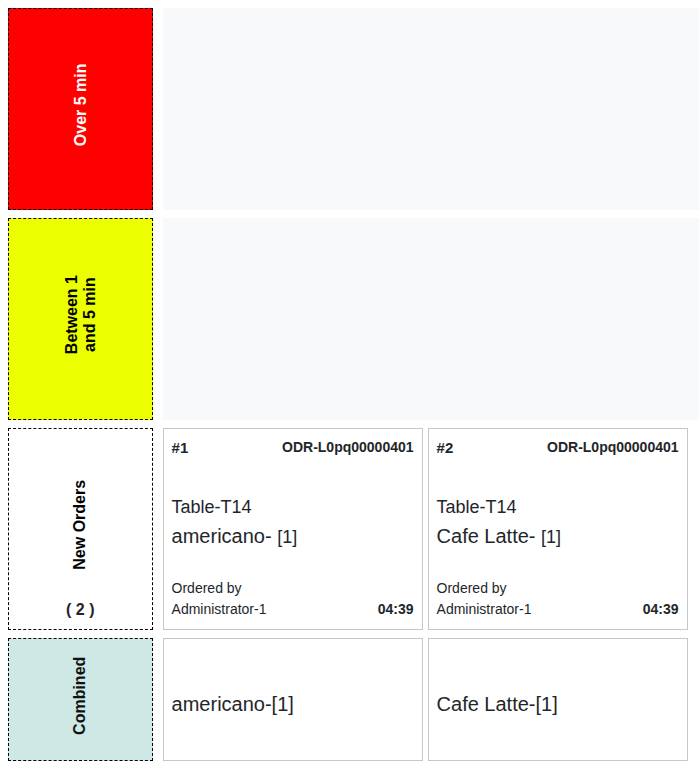
The order instantly appears on the POS and is routed to the right station. Drinks (e.g., "Pint of IPA") go to the Bar OQS, and food (e.g., "Pretzel") goes to the Kitchen OQS.
Bartenders & Chefs Prepare
The bar staff pours the drinks, and the kitchen staff prepares the food. They see the order (Table 8) on their respective OQS screens and mark items as ready.
Serve & Close Tab
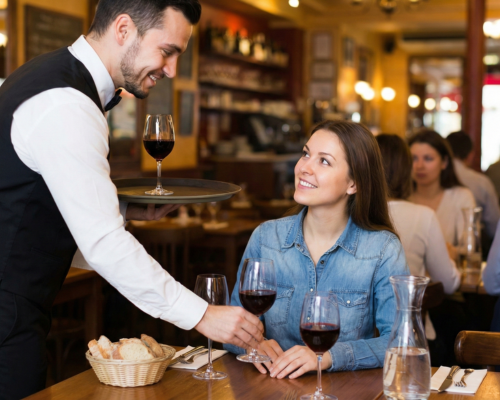
A server delivers the order to Table 8. Guests can easily order more rounds from their phone. When finished, they simply pay and close their tab directly on their phone. No waiting for a check.
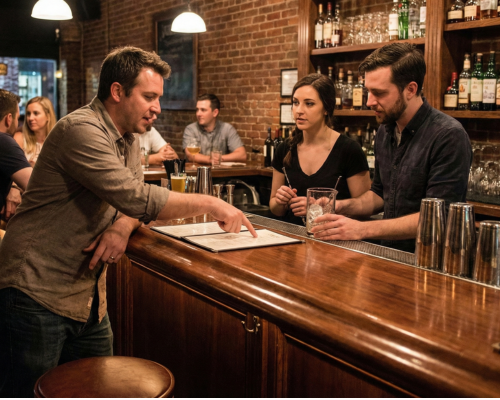
Order at the Bar
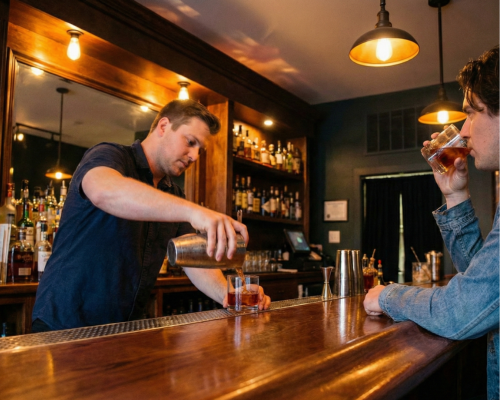
A customer walks up to the bar. The bartender uses the Qikbite POS to quickly take their order (e.g., "1x Lager, name is 'Mike'").
Instant Payment & Sync
The customer pays immediately at the bar (cash or MMQR). The bartender sees the order on their POS or OQS (Order #106: 'Mike', 1x Lager).
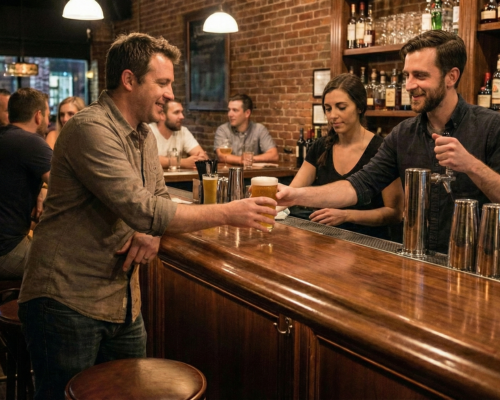
Preparation & Pickup
The bartender pours the lager and hands it directly to "Mike" at the bar. The order is completed instantly.
Fast, Simple, Done.
The Bar Counter flow is complete. This keeps the bar area clear for walk-up customers, reduces wait times, and ensures fast service for everyone.