Guests Scan & Order
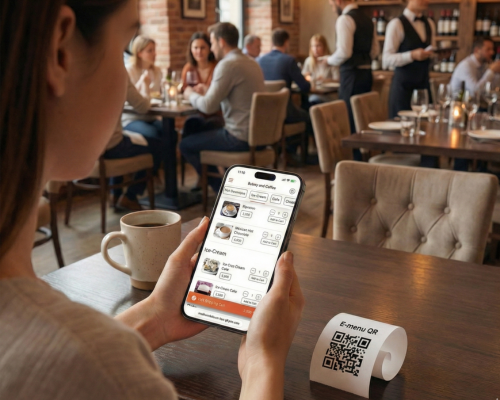
Guests are seated and scan the Qikbite QR code at their table. They browse the full e-menu, select appetizers, main courses, and drinks, and place the order directly from their phone.
Instant Order Sync to Kitchen
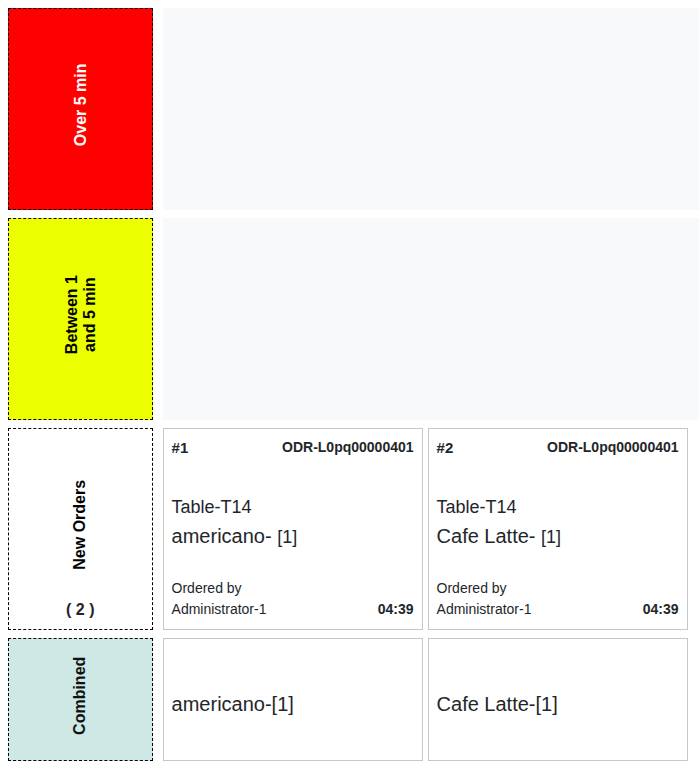
The order instantly appears on the Qikbite POS Cashier view and is automatically sent to the appropriate Kitchen Order Queue Station (OQS)—drinks to the bar, food to the kitchen.
Chefs Prepare the Meal
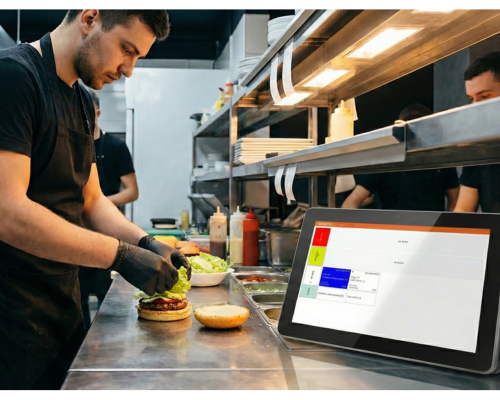
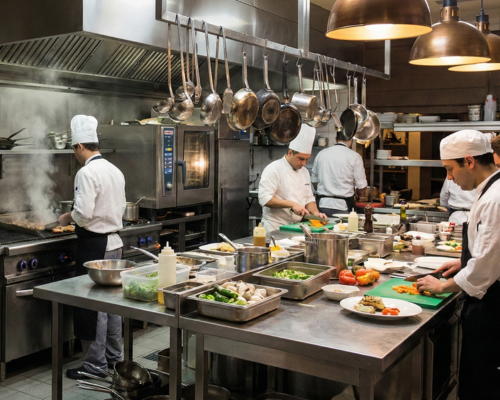
The kitchen staff sees the new order (Table 12: 2x Steak, 1x Salad) on their OQS and begins preparation. They mark items as complete as they are ready.
Serve & Effortless Payment
Waitstaff deliver the food and drinks to Table 12. Guests can order more rounds or dessert. When ready to leave, they can pay and tip directly on their phone or have the waiter close the tab on the POS.

Order at the Counter (Takeaway)
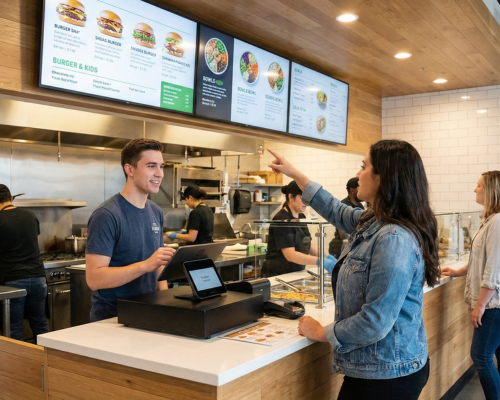
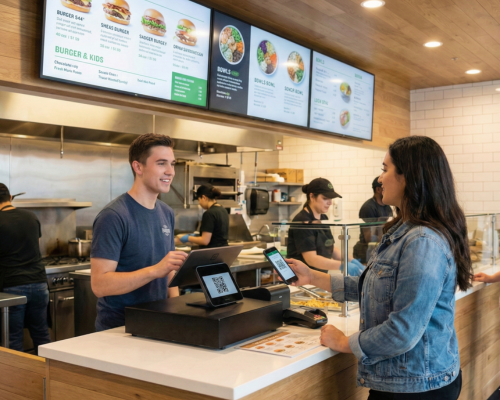
A customer comes in for a takeaway order. The cashier uses the Qikbite POS to quickly take their order (e.g., "1x Burger, 1x Fries to go, name is 'Anna'").
Instant Payment & Sync
The customer pays immediately at the counter (cash or MMQR). The finalized order is sent to the Kitchen's OQS (Order #203: 'Anna', 1x Burger, 1x Fries).
Preparation & Pickup
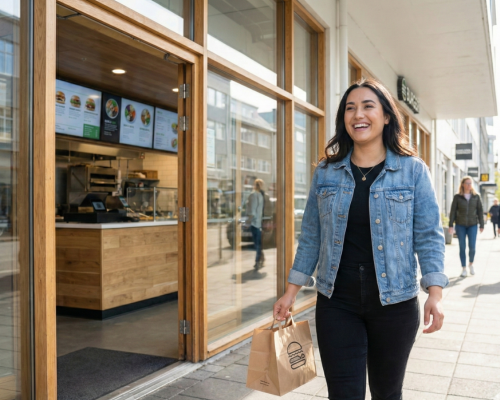
The kitchen prepares the meal and bags it. They call out "Anna!" or "Order 203!". The customer, waiting in the pickup area, collects their food and leaves.
Fast, Simple, Done.
The Quick Service flow keeps your takeaway line moving, ensuring dine-in operations aren't interrupted and all customers get fast, efficient service.